
Choose a printable chart or an editable workbook
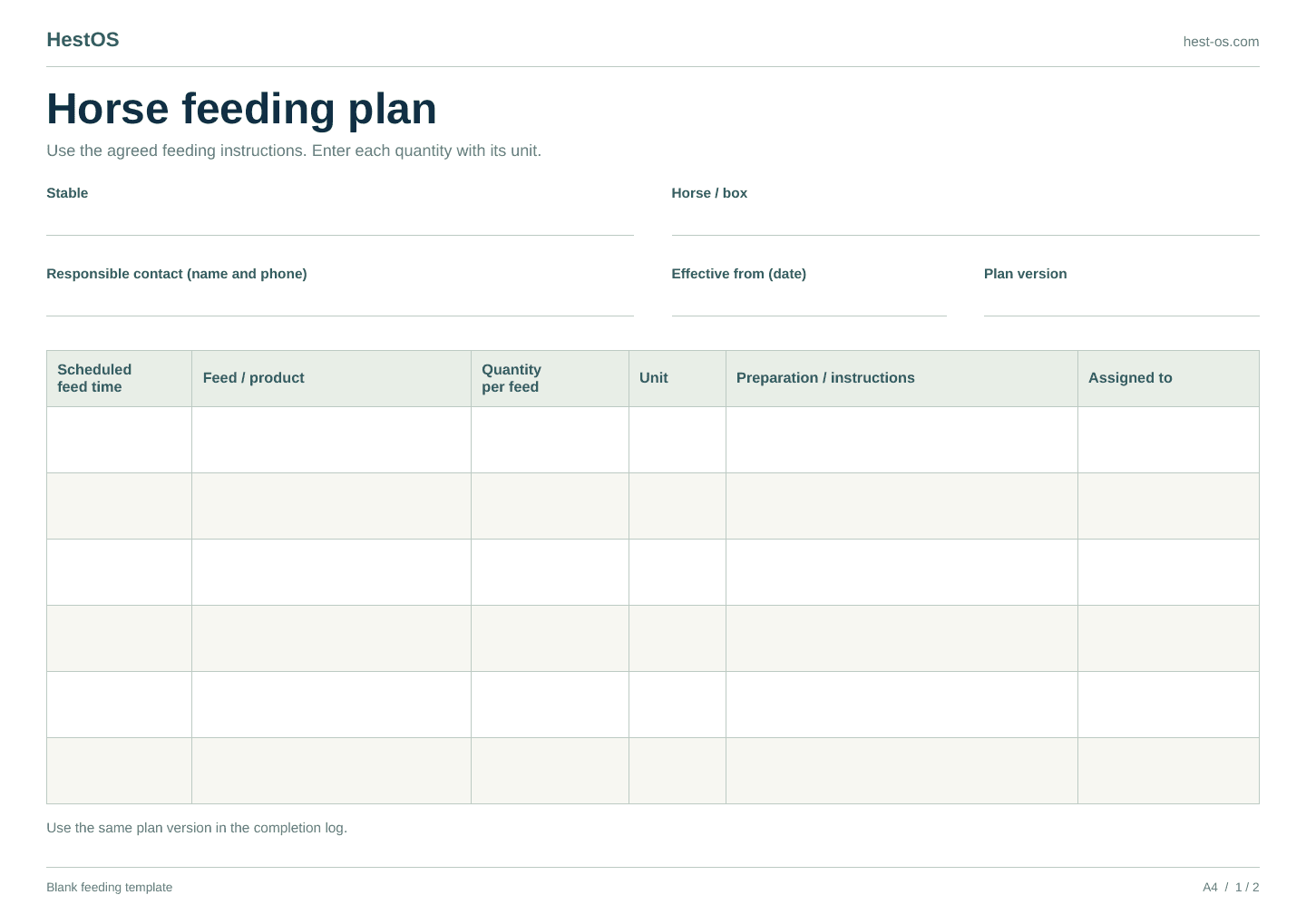
Use the PDF when you want a blank horse feeding chart to print and fill in by hand. Choose A4 or US Letter to match your paper. The Excel workbook is useful when you want to type the instructions, update them later and print a fresh copy. No account is needed to download either format.
There are two different jobs to record. The individual feeding plan explains what is intended for a particular horse. The daily completion log records what the team has actually done. Keep the current plan available beside the log so a tick or a set of initials always refers to clear instructions.
These are blank organisational templates, not a diet or ration recommendation. Fill them using the feeding instructions agreed with the people responsible for the horse and the qualified professional advising on its nutrition.
Start with the horse, the plan and its owner
Write the horse’s familiar name and its stable or box clearly. Use the same name on the feeding plan, daily log and other horse records. A box number can help someone find the horse, but should not be the only identifier: horses move, and a sheet can remain on a door after a change.
Add the person responsible for maintaining the instructions, a plan version and the date it takes effect. A simple version such as 3 is enough if everyone uses it consistently. Enter the scheduled feeding times and instructions, then have the responsible person check the completed sheet before it becomes the team’s working copy.
Make the amount and unit clear for each feeding
Use a separate row for each feed item at the relevant scheduled time. Copy the product name accurately and write the quantity together with its unit. Make clear that the amount is for that feeding, rather than a total for the day. If the instructions differ between times, give each time its own rows.
Avoid a number on its own or an unexplained instruction such as ‘one scoop’. Ask the plan owner to clarify anything ambiguous before adding it to the chart. Keep preparation instructions beside the feed they concern. The next person should be able to follow the agreed plan without relying on a conversation they missed.
Record the outcome after the feeding
On the daily log, enter the date, horse, scheduled time and the plan version being followed. After the feeding, record Given or Skipped and identify the person making the entry. Use the notes for a skip reason or an exception that the next person needs to understand. A blank row means there is no recorded outcome; it does not prove a feeding was given or skipped.
Keep the scheduled time separate from the recorded time. The first identifies the planned feeding; the second says when someone entered the result. For example, an entry made at 08:15 for an 08:00 slot does not establish the actual feeding time. If that distinction matters in a handover, explain it in the notes instead of leaving someone to guess.
Keep changes visible at the handover
When instructions change, ask the plan owner to update the version and effective date. Replace the working copies wherever the team uses them, including any printed sheet near the feed. Keep older completed logs with their original version references so yesterday’s entries can still be understood after today’s plan changes.
At the handover, review unrecorded slots, skipped feedings and notes that need attention. Agree who will check each unresolved point. If an entry is incorrect, make the correction traceable rather than silently replacing the original information. A clear handover explains both what is known and what still needs checking.
Can one log cover several horses?
Yes. Keep an individual plan for each horse and use separate rows in the daily log for each horse and scheduled feeding. Include the correct plan version on each row. If several people share the work, agree who will handle each feeding and make sure everyone uses the same current log.
Before printing, check the preview for cut-off text, small type and enough space for handwritten notes. Print another page when needed instead of squeezing the whole stable onto one sheet. Keep the blank master separate from completed records, and start each new day with the right date and current plan references.
When your team needs a shared digital plan
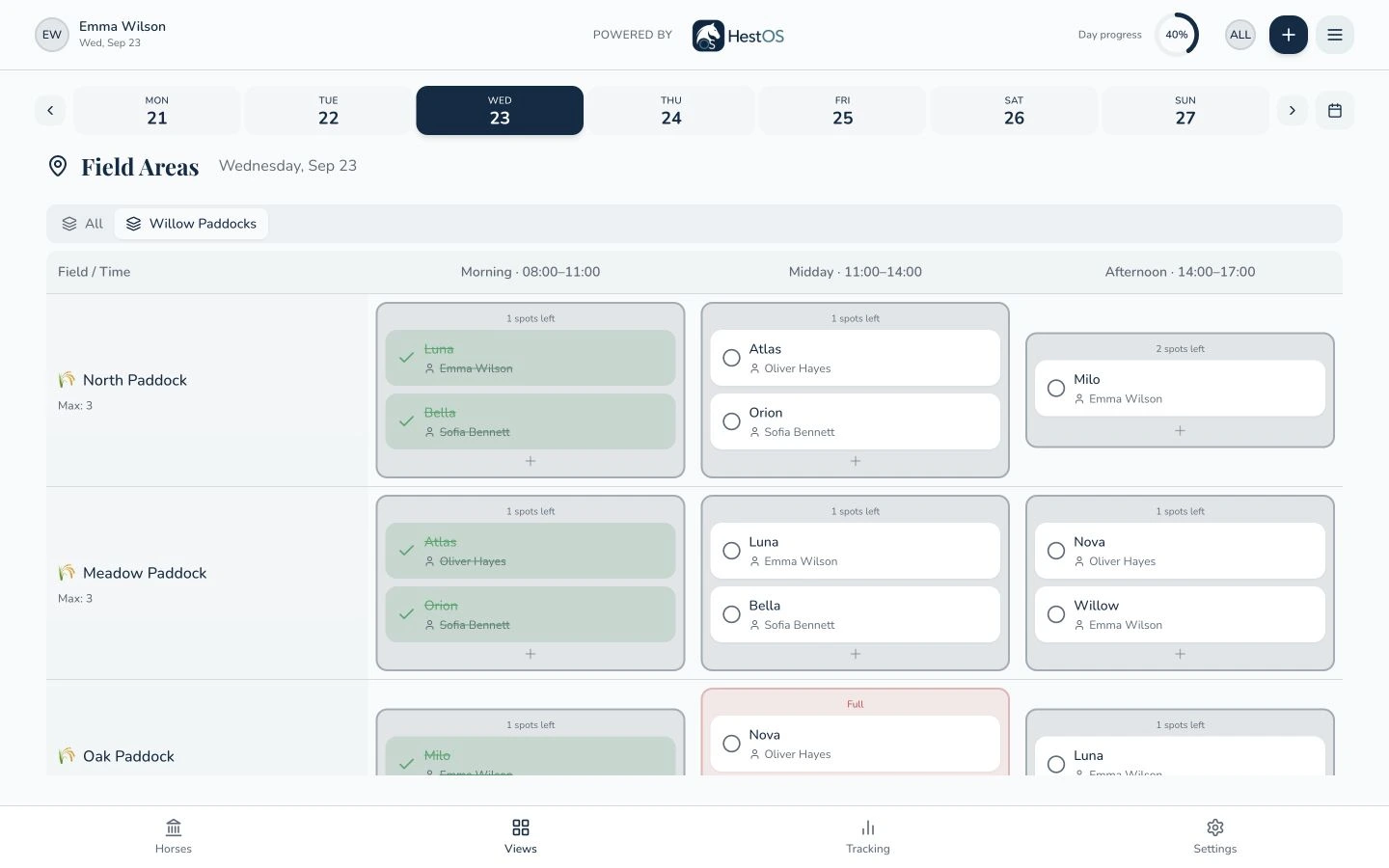
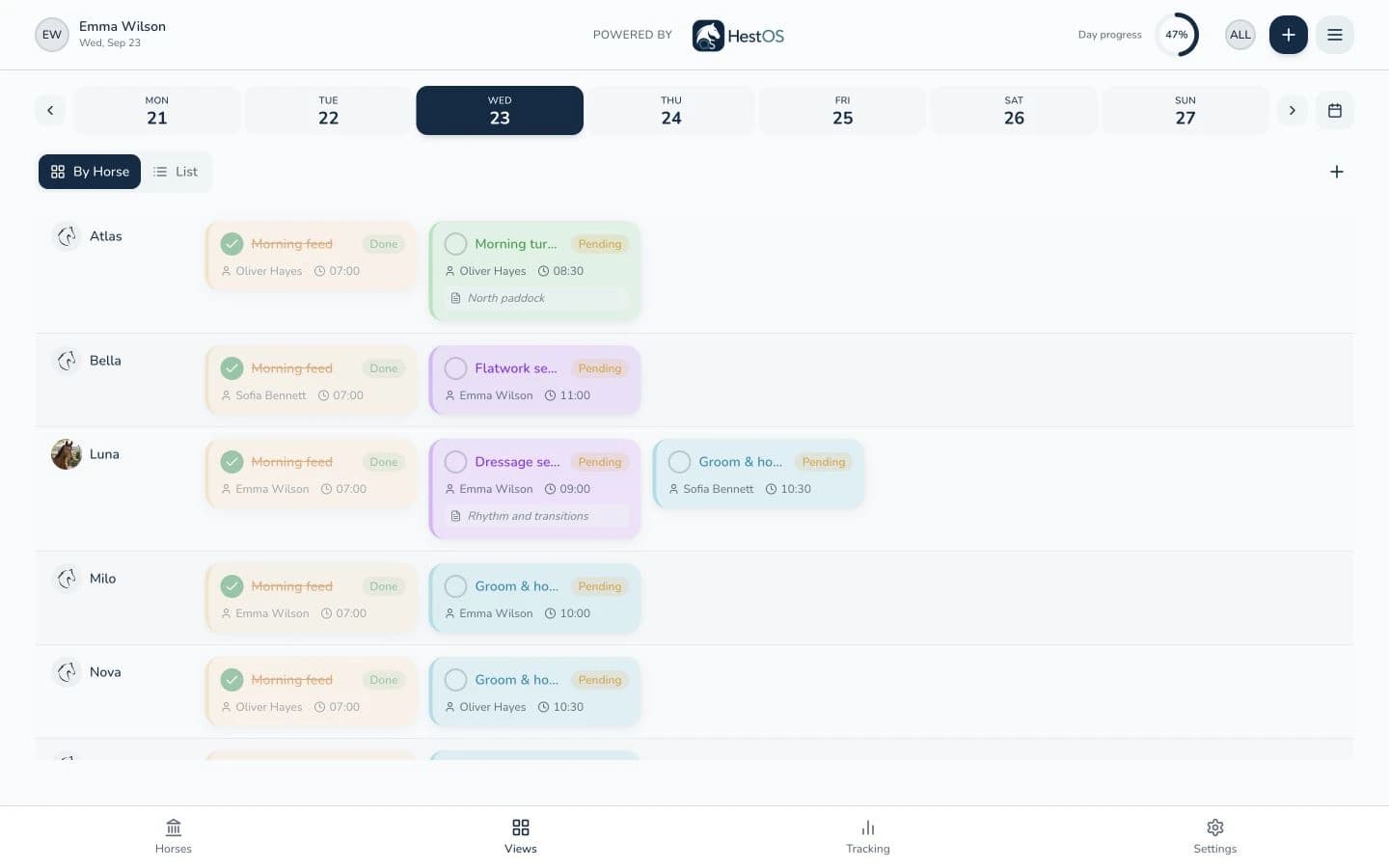
In HestOS, your stable can enter a horse’s feed items, quantities, units and instructions, choose daily times and assign a team member. Staff can record a feeding as Given or Skipped, with a reason required when it is skipped. The history shows who recorded the outcome, when they recorded it and the plan instructions captured with that entry.
These feeding records sit alongside horse profiles and daily task planning. On a shared stable screen, team members use their own PIN and existing permissions to view the plan and record their work. The paper templates remain useful on their own; a shared app can help when maintaining current instructions and coordinating several people becomes harder.
A CLEARER DAY STARTS HERE
See it in your stable.
Tell us how your stable works and explore the HestOS features that fit your everyday routines.
Request a demo