Everyday planning, all your views
Use Day and Week views, plan by horse or team member, and manage fields and walkers. Your custom layouts and month planner are available here too.
HestOS shared stable screen
Put the full HestOS app where your team already is. A personal PIN opens the same views and tools they use on their own device, with their usual permissions, right in the stable.
27-inch wall-mounted screen · €1,250 EUR + VAT one-time · HestOS subscription separate
From the first feed to the last check
No laptop to open. No phone to take out. Just a shared place to find the plan and keep it up to date.
Enter your own four-digit PIN to open the same HestOS app, with your usual views and permissions.
Use Day, Week, horse and team views, fields, walkers and custom layouts. Open horse records, feeding plans and treatments from the same app.
Your changes stay attributed to your account. Lock the screen, ready for the next person to enter their PIN.
The same HestOS app
Move between Day, Week, horses, fields, walkers and custom views just as you would on your own device. Everyone works under their own account and keeps their usual permissions.
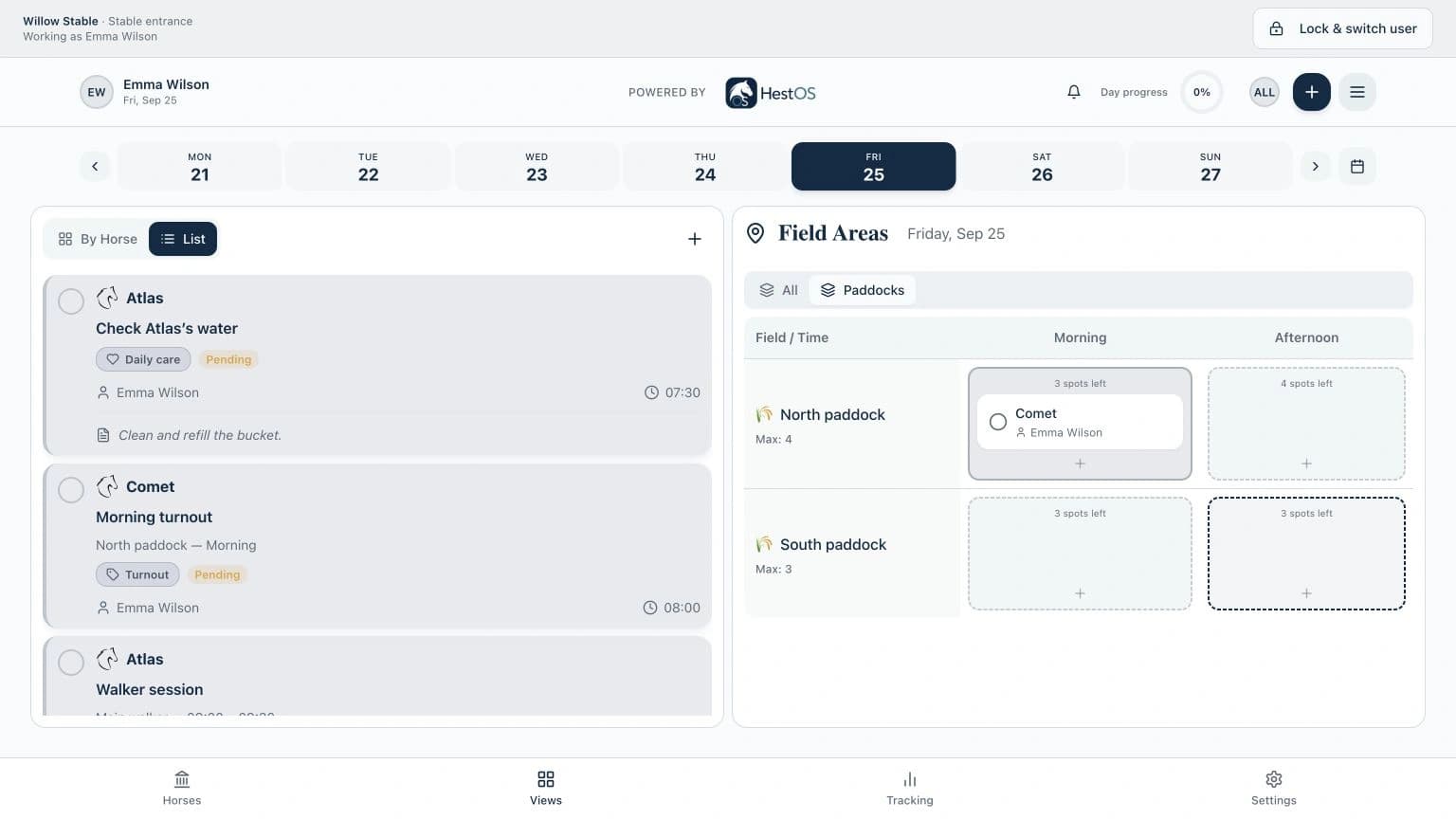
Use Day and Week views, plan by horse or team member, and manage fields and walkers. Your custom layouts and month planner are available here too.
Open horse profiles, check feed quantities and instructions, and confirm a feed or record why it was skipped. Your normal access to horse records carries over.
Track treatments, vaccinations and farrier care in the same app. Settings and administration follow your existing role, so managers can organize the stable here too.
A shared place in your stable
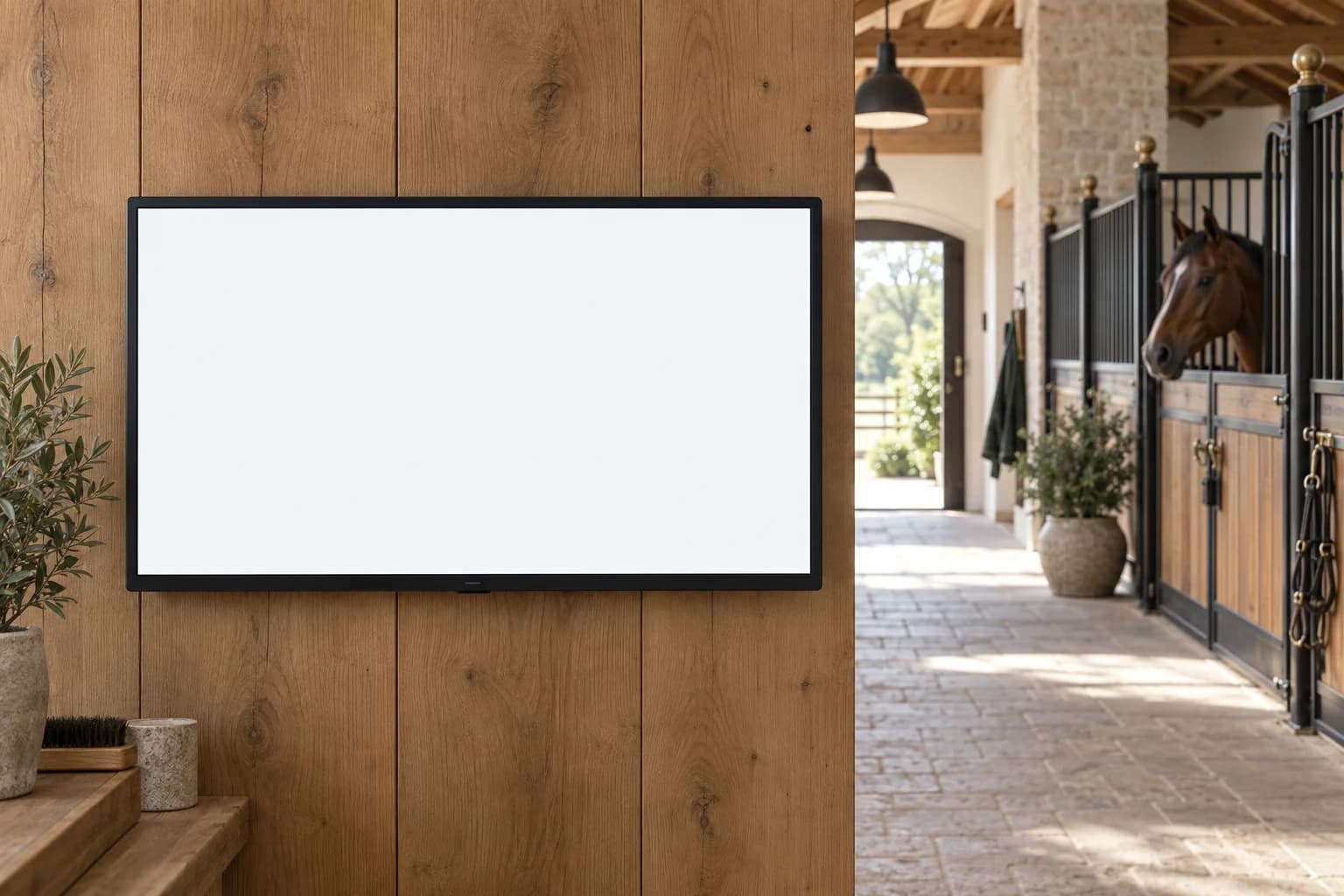
A 27-inch wall-mounted screen makes HestOS part of the working day. Place it where the team checks in, then let each person use their own PIN.
€1,250EUR · one-time · + VAT
HestOS subscription sold separately.
Request a stable screenTell us about your stable. We’ll confirm the hardware, setup details and final quote with you before you order.
Before it goes on your wall
No. Once the screen is set up, each person enters their four-digit PIN and opens the full HestOS app. They can use their usual views, horse records and stable tools on that screen, with the same permissions as their normal account.
The screen is shared; each person uses their own account identity. Their PIN opens HestOS with the same role and horse permissions they already have. Work is recorded under the person who completed it, and the session stays within the stable paired to the screen.
The advertised price is €1,250 EUR + VAT, one-time, for a 27-inch wall-mounted screen. A HestOS subscription is purchased separately. Send an inquiry and we’ll confirm the hardware, setup details and final quote before you order.
The shared-screen feature opens in a browser on a compatible device. Tell us about your tablet or screen and we can discuss your setup. Buying a screen from HestOS is optional; a HestOS subscription is required.
Yes. The screen needs an internet connection to unlock, load current work and save completed tasks or care records. Wait for the confirmation before assuming an action has been recorded.
Use Lock & switch user when you finish. The screen also locks automatically after inactivity. The next person enters their own PIN and gets their own permissions; a manager’s session is not left open for the team.
No. Your stable enters the feeding and treatment plans, following the guidance of the professionals caring for your horses. HestOS displays those instructions and keeps a record of what was done.
Let’s talk about your setup
Tell us where the screen would go and how your team works. We’ll discuss the right setup with you.